You want to add Google reviews, company updates or an Instagram gallery to your Joomla website. Two solutions may look similar on the page: a widget configured in an external online service and a Joomla extension installed on your website.
The useful differences appear when you configure the widget, manage its usage limits, choose how media is delivered and maintain the website. This guide compares those practical decisions, using AllForJoomla extensions as examples of widgets installed and managed in Joomla.
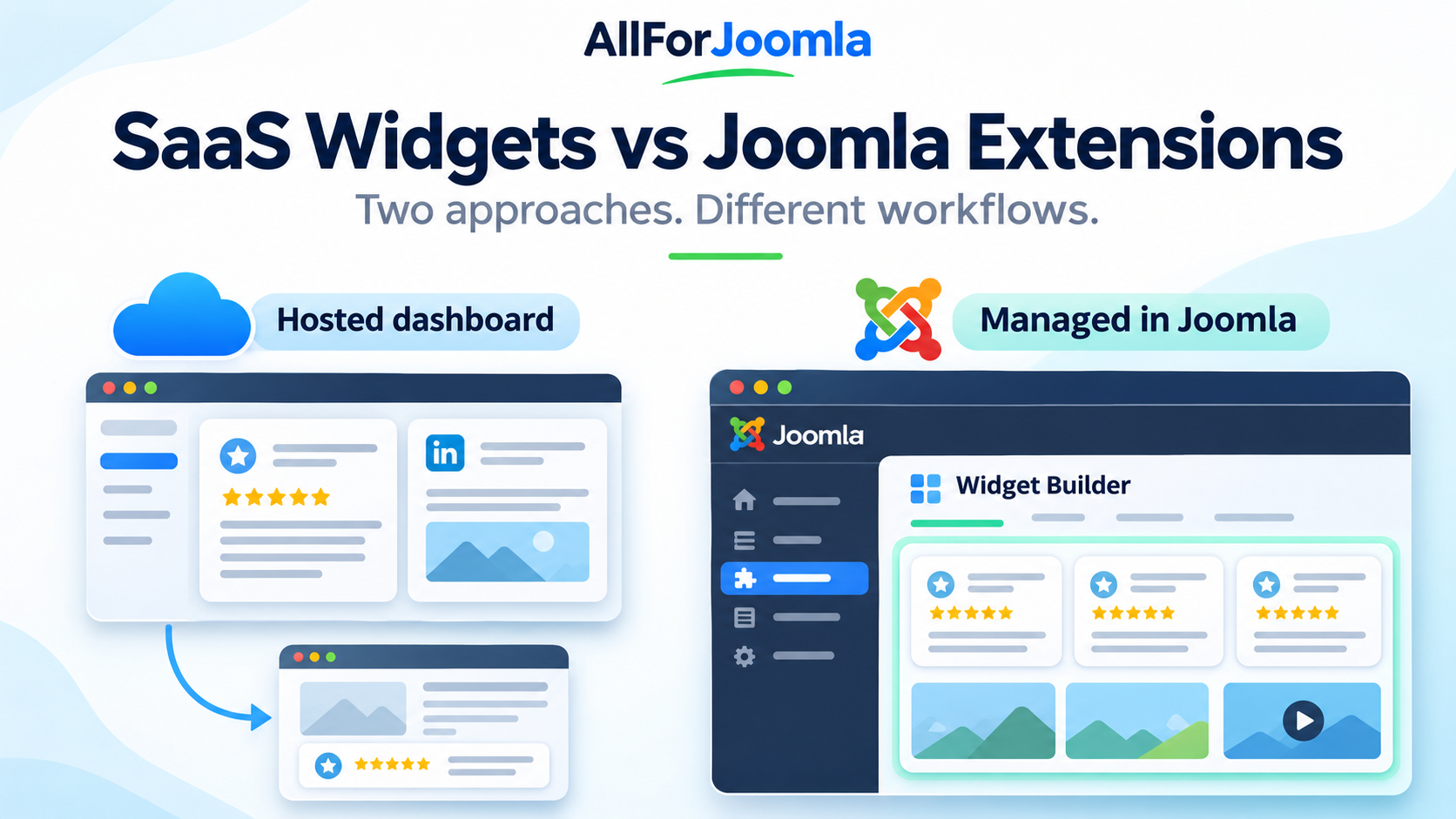
🧩 What Is the Difference Between a SaaS Widget and a Native Joomla Extension?
A SaaS Widget: Configure Online and Embed on Your Website
With a hosted SaaS widget, you typically create an account with the service, configure the widget in its dashboard and copy installation code into your Joomla website. The service manages the hosted widget platform, while your website provides the place where the widget appears.
This can be convenient when you want a common management interface across websites using different content management systems. Check the provider's supported platforms, website allowances and account features before choosing a plan.
A Native Joomla Extension: Install and Configure in Joomla
A native Joomla extension is installed through Joomla's extension installer and provides its configuration within the CMS. With AllForJoomla, you configure supported review, feed and gallery widgets in Joomla Administrator and publish them using generated shortcodes.
Installation location and data delivery are separate questions. An installed extension can still use an external service to retrieve social content. AllForJoomla combines Joomla-based widget management with its data service; supported media can also be served through your website with GDPR-Friendly Media Loading.
⚖️ Compare the Parts That Affect Your Daily Work
| Decision | Typical hosted SaaS widget | AllForJoomla extension |
|---|---|---|
| Where you configure it | The provider's online dashboard. | Your Joomla administration area. |
| How you add it | Insert the provider's installation code. | Install the extension and place its generated shortcode. |
| Software maintenance | The provider maintains the hosted platform. | You manage installed extension versions through your Joomla workflow. |
| Usage and updates | Check views, widgets, websites and content refresh limits for the selected plan. | Check the extension's refresh schedule and license scope. |
| Media delivery | Check the provider's actual delivery options. | GDPR-Friendly Media Loading can serve supported media through your website. |
| Working across CMS platforms | May suit mixed-platform websites where supported. | Designed for websites running Joomla. |
The SaaS column describes a common workflow. Individual services differ, and the AllForJoomla column describes our products rather than every Joomla extension.
⚙️ Managing Widgets Inside Your Joomla Workflow
If you already maintain content, modules and extensions in Joomla, managing your widget there keeps those tasks together. You can configure its source and appearance, preview changes and copy the shortcode into an article, Custom HTML module or template.
For example, LinkedIn Company Feed lets you configure a Company Page feed through its visual builder. Google Reviews Pro provides business selection and review widget customization within Joomla.
A hosted service may be more convenient for a team that wants to work primarily in an external dashboard. The practical question is who will maintain the widgets and which interface fits that person's existing work.
👁️ Widget Views and Data Updates: What Is the Difference?
A widget being displayed and a widget retrieving fresh content are different events. The first concerns how visitors see your widget; the second concerns how its content stays up to date.
Widget Views: How Often the Widget Loads
Some hosted services meter widget views. For example, Elfsight's view-limit documentation states that widget loads count toward a monthly allowance shared across an app. Exceeding the allowance deactivates the widget until the next reset or a plan upgrade.
That is a specific provider's policy. Check the actual service and plan you are considering, including how multiple widgets on a page are counted.
Data Updates: How Often Fresh Content Is Retrieved
With AllForJoomla, widget data is typically refreshed daily, helping keep reviews and social content up to date without manually copying new items to your website.
Between refreshes, visitors can view the available cached content. Opening a page with a widget does not necessarily require a fresh request to the original content source.
Each extension has its own data retrieval and refresh behavior. The content source and product features determine how updates work, so check the specific extension's description and documentation for its refresh schedule and configuration details. For example, see Trustpilot Reviews Pro and its documentation for that product's information.
💳 Compare What You Are Paying For
For a SaaS service, check the selected plan's billing period, widget and website allowances, branding requirements and the consequences of cancelling or changing plans.
For an installed extension, check the license scope and what ongoing services are included. AllForJoomla provides a lifetime extension license. Renewing Updates & Support is optional, and expiration of that period does not itself disable the installed extension or switch off its data display. See the license and renewal explanation for the full purchase terms.
Compare costs for your actual setup: the number of websites, content sources and widgets, together with the expected traffic and required features. A price for one widget on one website may represent a different scope from a license for a client project.
🛡️ Check Where Scripts, Data and Media Come From
A review widget may involve several delivery paths: JavaScript, review data and media such as profile photos. Ask how each part is loaded rather than assuming everything follows the same route.
AllForJoomla widgets request data separately through AJAX once the page structure is ready. Their JavaScript can be included on all pages to fit a shared script optimization workflow, or only on pages containing a widget. Read how widget loading affects Joomla page speed for the practical explanation.
With GDPR-Friendly Media Loading, supported media is downloaded and served through your Joomla website. Visitors' browsers do not need to contact the original media server for those locally served files. Supported media types depend on the extension.
For a hosted widget, examine the provider's delivery options too. The label “SaaS” alone does not establish its privacy or performance characteristics. Likewise, a Joomla installation does not guarantee that every resource is local or that the whole website meets privacy requirements. Our GDPR-Friendly Media Loading guide explains the scope of local media delivery.
🎯 Which Approach Fits Your Website?
Choose a Hosted Widget When Its Service Model Fits Your Team
A SaaS widget can suit a team managing supported websites on several platforms, or one that prefers the provider to maintain the hosted widget software. Confirm that the plan covers your sites, traffic, content sources and required features.
Choose a Joomla Extension When You Want Joomla-Based Management
An AllForJoomla extension is a practical choice when Joomla is your working environment and you want widget configuration, placement and installed software management to fit that environment.
Examples include Google Reviews Pro for business feedback, LinkedIn Company Feed for company updates, InGallery for Instagram galleries and Trustpilot Reviews Pro for company reviews. These are examples from the wider AllForJoomla extension catalogue.
❓ Frequently Asked Questions
Can a SaaS Widget Work on Joomla?
Yes, where the provider supports the required embedding method. A widget working on Joomla does not necessarily mean it is installed and configured as a Joomla extension.
Does a Native Joomla Extension Work Entirely Offline?
Social and review widgets need access to their content sources or data services to retrieve fresh information. Local installation describes how the extension integrates with Joomla.
How Often Do AllForJoomla Widgets Update Their Data?
Data is typically refreshed daily, but the exact update behavior depends on the extension. Check the product description and documentation for the details that apply to your content source.
Are Native Extensions Always Faster Than SaaS Widgets?
Performance depends on loading behavior, caching, media, hosting and the page itself. Compare the actual configuration and available controls rather than relying on the product category alone.
🚀 Choose the Workflow and Conditions That Fit
Start with the content you want to show, then compare management, license scope, usage allowances and delivery options. If you want review, social feed or gallery widgets configured inside Joomla, explore AllForJoomla extensions and choose the product for your content source.